ROB RUN Purchase Not Received: Mail and Support
Restart ROB RUN and check in-game mail for a missing purchase, then contact Kefir support with the purchase receipt if it still has not arrived.
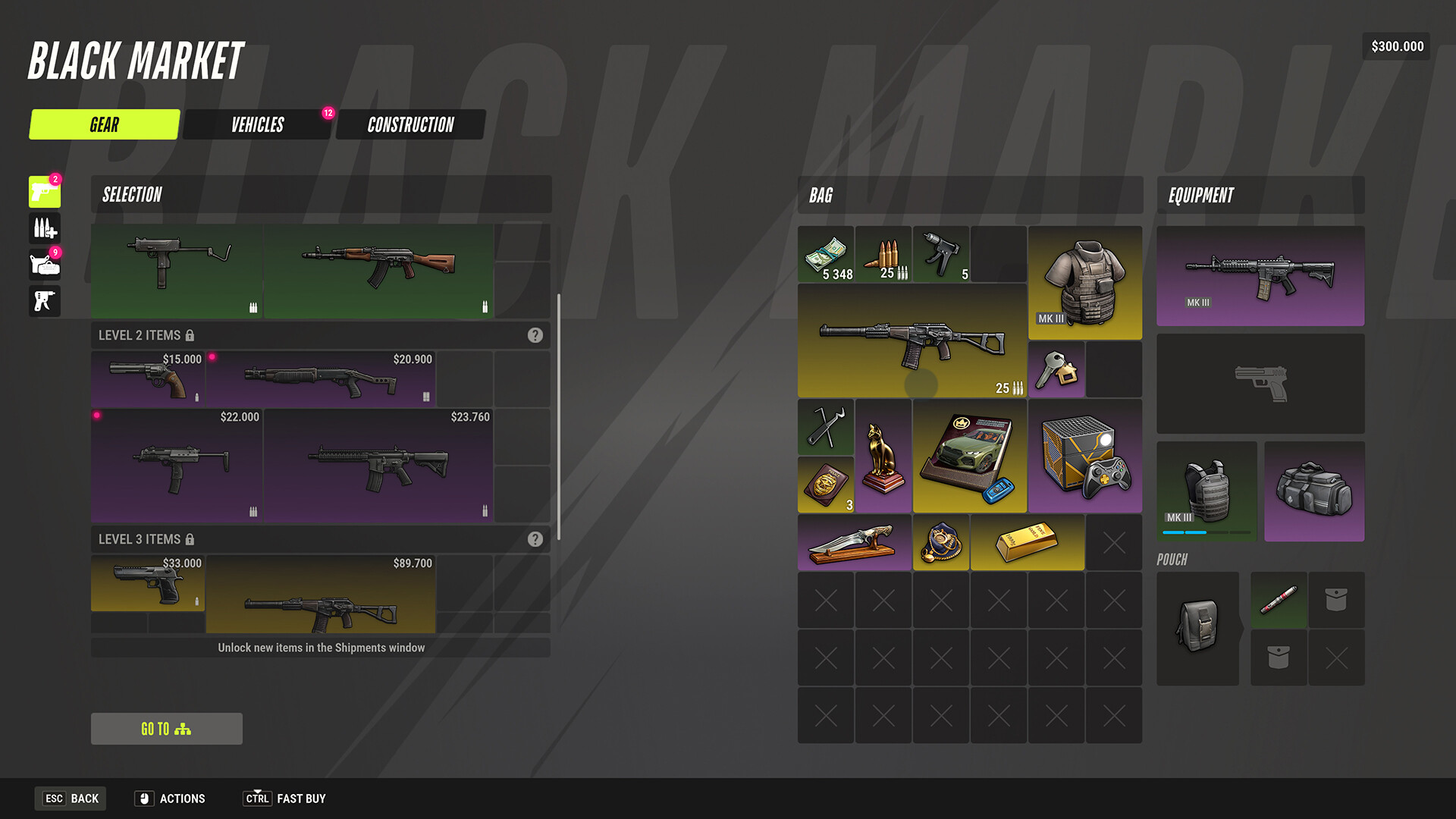
If a ROB RUN purchase has not arrived, Kefir says to restart the game and check in-game mail. If it is still missing, contact support and attach the purchase receipt.
Check before contacting support
- Restart ROB RUN.
- Open in-game mail and check for the purchase.
- If it has not appeared, contact Kefir support and attach the receipt.
The official answer does not promise a delivery time or a refund outcome. Keep the transaction record available for the support request.
Finding your UID
If support needs your UID, Kefir says it appears on the right of the Esc screen beneath your character name; Copy UID copies it. See where to find your UID.
FAQ
Where should I look after restarting? Check your in-game mail.
What should I attach if the purchase is still missing? Kefir asks for the purchase receipt.
Does contacting support guarantee a refund? The official answer describes how to report a missing purchase; it does not promise a refund.
Sources
- ROB RUN Purchase Not Received: What to Check — Kefir Help Center.
- Where to Find Your ROB RUN UID — Kefir Help Center.
Research checked November 10, 2026. Exact game build is unknown.
Related Articles
account
ROB RUN Cheats and Easy Anti-Cheat Rules
Understand ROB RUN’s Easy Anti-Cheat rules, the consequence Kefir gives for cheating and what to send support if you encounter an anti-cheat error.
account
ROB RUN Lost Progress: What to Check
Official ROB RUN guidance for lost progress. Find the confirmed cause or step, its limits, and the developer source checked for Early Access.
account
How to Report a Bug in ROB RUN
Report ROB RUN bugs using Kefir support: gather the actions before the error, attach a screenshot or video, and use the official contact options.
Was this page helpful? (saved on this device)
Thanks for the feedback!