How to Report a Bug in ROB RUN
Report ROB RUN bugs using Kefir support: gather the actions before the error, attach a screenshot or video, and use the official contact options.
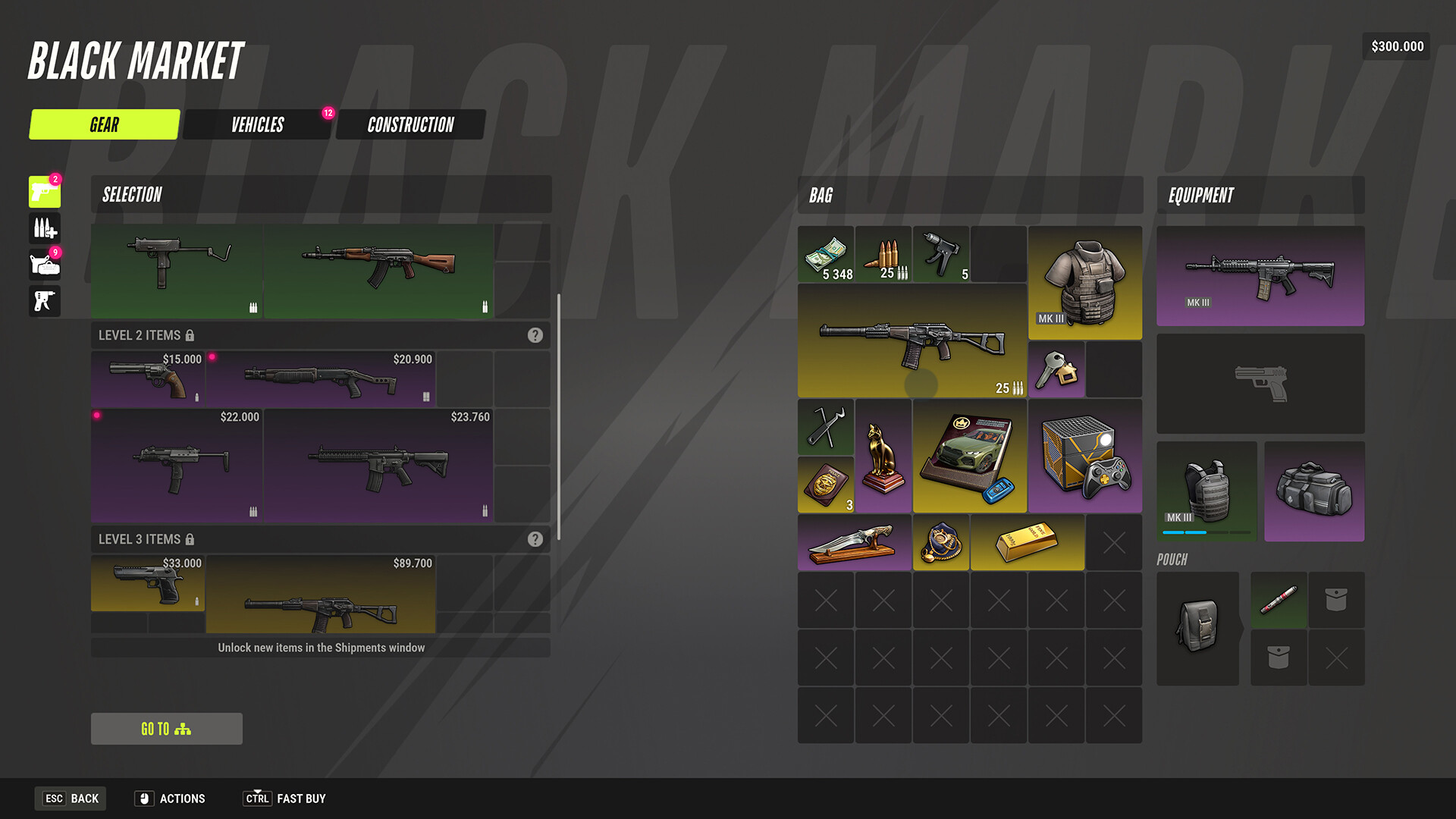
Contact Kefir support and explain what you were doing before the error. The developer asks you to attach a screenshot or video.
Prepare a useful report
- Describe the action immediately before the problem and the result you saw.
- Attach a screenshot or video showing the issue.
- Open Kefir’s official contact page for its current support contact.
As a practical suggestion, include the exact error code and your PC specifications if relevant. For a crash, see the troubleshooting guide; for a specific message, compare it with the error code guide.
Keep the report specific
Say whether the problem occurred when loading, selling items, switching servers or performing another action. If you can reproduce it, include the steps. Those details help describe what happened; they do not guarantee that support can restore lost progress or items.
FAQ
Can I include a video? Yes. The official bug FAQ explicitly accepts a screenshot or video.
Where are the official community links? The support contact page lists the game’s official communities as well as an email contact.
How long will a reply take? The reviewed official answers do not give a guaranteed response time.
Sources and scope
- Where do I report bugs? — Kefir Help Center.
- How do I contact support and find official communities? — Kefir Help Center.
Checked November 10, 2026. Exact build unknown. Video accounts were read as captions, not independently played or visually checked.
Related Articles
account
ROB RUN Cheats and Easy Anti-Cheat Rules
Understand ROB RUN’s Easy Anti-Cheat rules, the consequence Kefir gives for cheating and what to send support if you encounter an anti-cheat error.
account
ROB RUN Lost Progress: What to Check
Official ROB RUN guidance for lost progress. Find the confirmed cause or step, its limits, and the developer source checked for Early Access.
account
ROB RUN Purchase Not Received: Mail and Support
Restart ROB RUN and check in-game mail for a missing purchase, then contact Kefir support with the purchase receipt if it still has not arrived.
Was this page helpful? (saved on this device)
Thanks for the feedback!