ROB RUN System Requirements: Minimum and Recommended
Compare the official minimum and recommended ROB RUN PC specifications for Windows, CPU, memory, graphics, DirectX, storage and internet access.
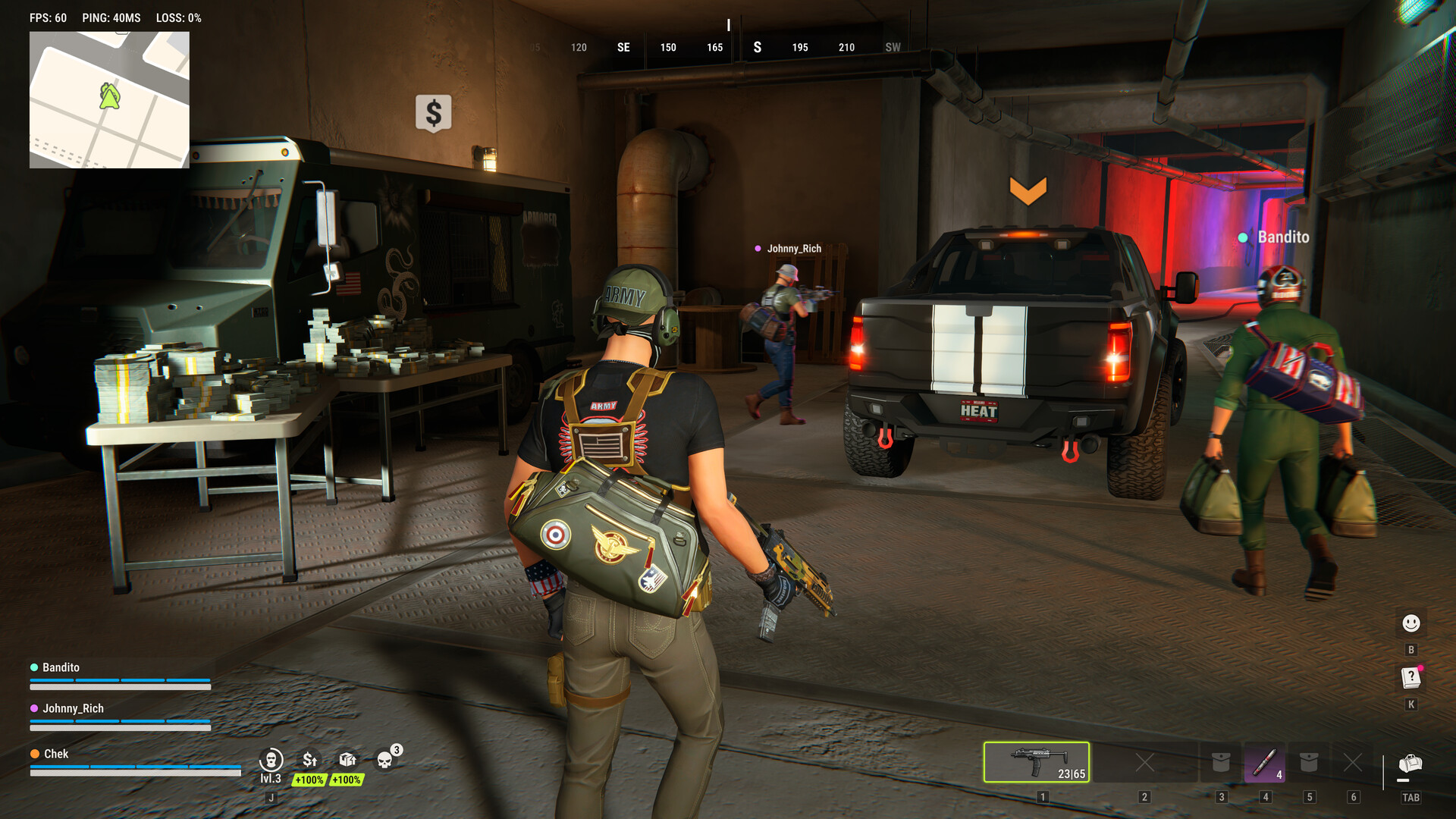
Kefir lists 64-bit Windows 10 or newer, DirectX 11, an internet connection and 20 GB of available storage for both PC configurations. The CPU, memory and GPU recommendations differ.
Official PC specifications
| Component | Minimum | Recommended |
|---|---|---|
| Operating system | 64-bit Windows 10 or newer | 64-bit Windows 10 or newer |
| CPU | Intel i5-6600K or Ryzen 5 1600 | Intel i5-9600K or Ryzen 5 3600 |
| Memory | 12 GB RAM | 16 GB RAM |
| Graphics | GTX 1050 Ti, RX 580 or Intel Arc A380 | RTX 2070, RX 5700 XT or Intel Arc B570 |
| DirectX | Version 11 | Version 11 |
| Storage | 20 GB available | 20 GB available |
| Connection | Internet required | Internet required |
These are the developer’s published configurations, not a promise of a particular frame rate. Compare your hardware with the configuration that matches your expectations.
If the game still has problems
Meeting a specification does not identify the cause of a specific error. For loading or freezing issues, see the official troubleshooting checks. If performance drops specifically when moving the mouse, see the mouse polling-rate guide.
FAQ
Is an internet connection required? Yes, in both configurations listed by Kefir.
How much space should I allow? The official list states 20 GB available.
Does the recommended GPU guarantee a particular FPS? No frame-rate guarantee is provided in the requirements answer.
Sources
- ROB RUN PC System Requirements — Kefir Help Center.
Research checked November 10, 2026. Exact game build is unknown.
Related Articles
troubleshooting
ROB RUN Error Codes: Causes and Official Fixes
Find Kefir’s official guidance for common ROB RUN error codes, including the checks it recommends and when to contact the game’s support team.
troubleshooting
ROB RUN FPS Drops When Moving the Mouse
Follow Kefir’s ROB RUN steps for FPS drops triggered by mouse movement: lower the polling rate, then check drivers, BIOS and overlays if needed.
troubleshooting
ROB RUN Not Loading or Freezing: Official Checks
Follow Kefir’s ROB RUN loading and freezing checks: test your connection, restart Steam, update graphics drivers and verify your installed game files.
Was this page helpful? (saved on this device)
Thanks for the feedback!